
Use the tools your workflows depend on.
Your workflows rely on more than the default nodes. Package supported custom nodes, models, LoRAs, and Python dependencies into a custom Build—your team’s custom ComfyUI setup, ready to use in Cloud.
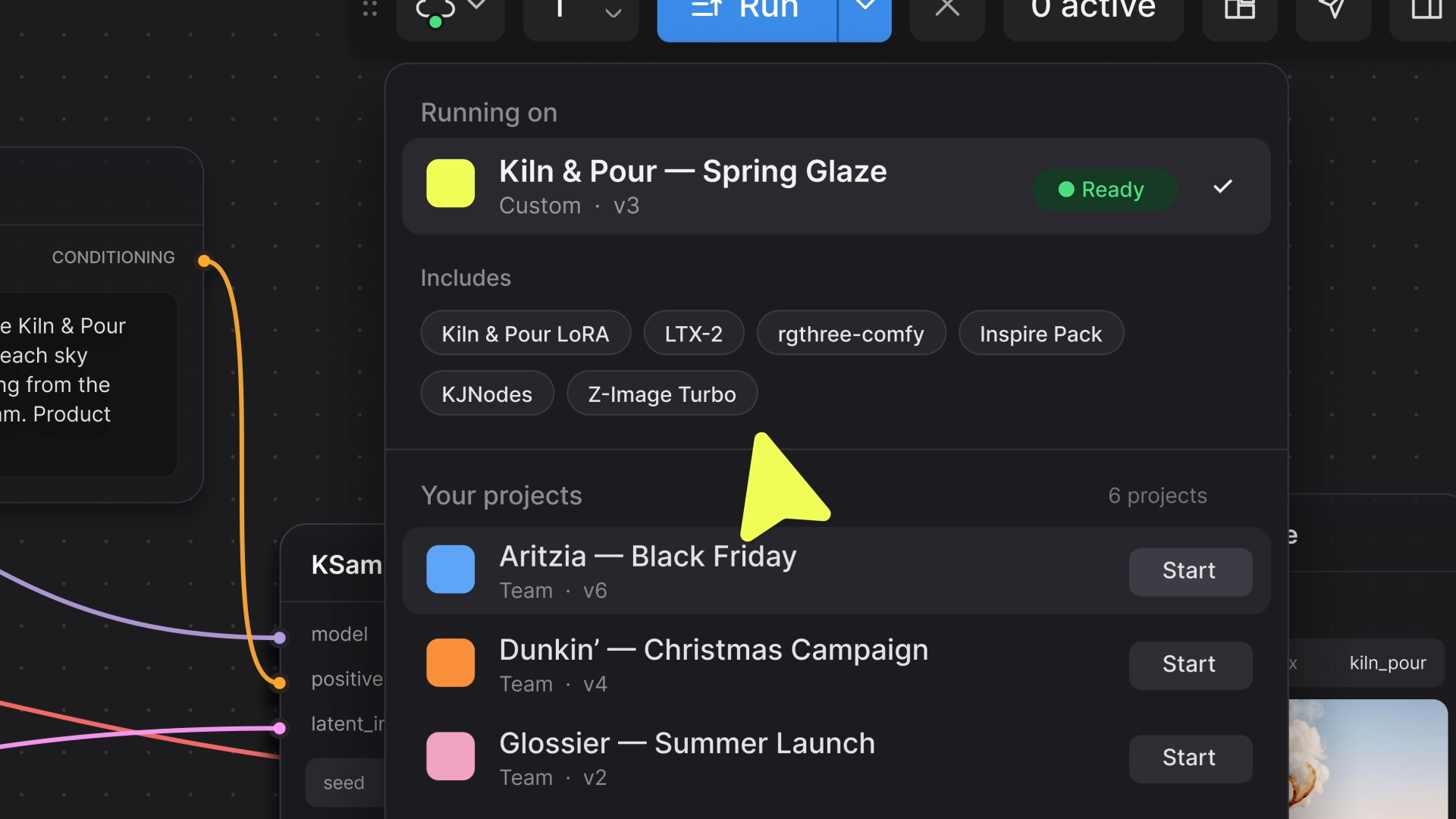
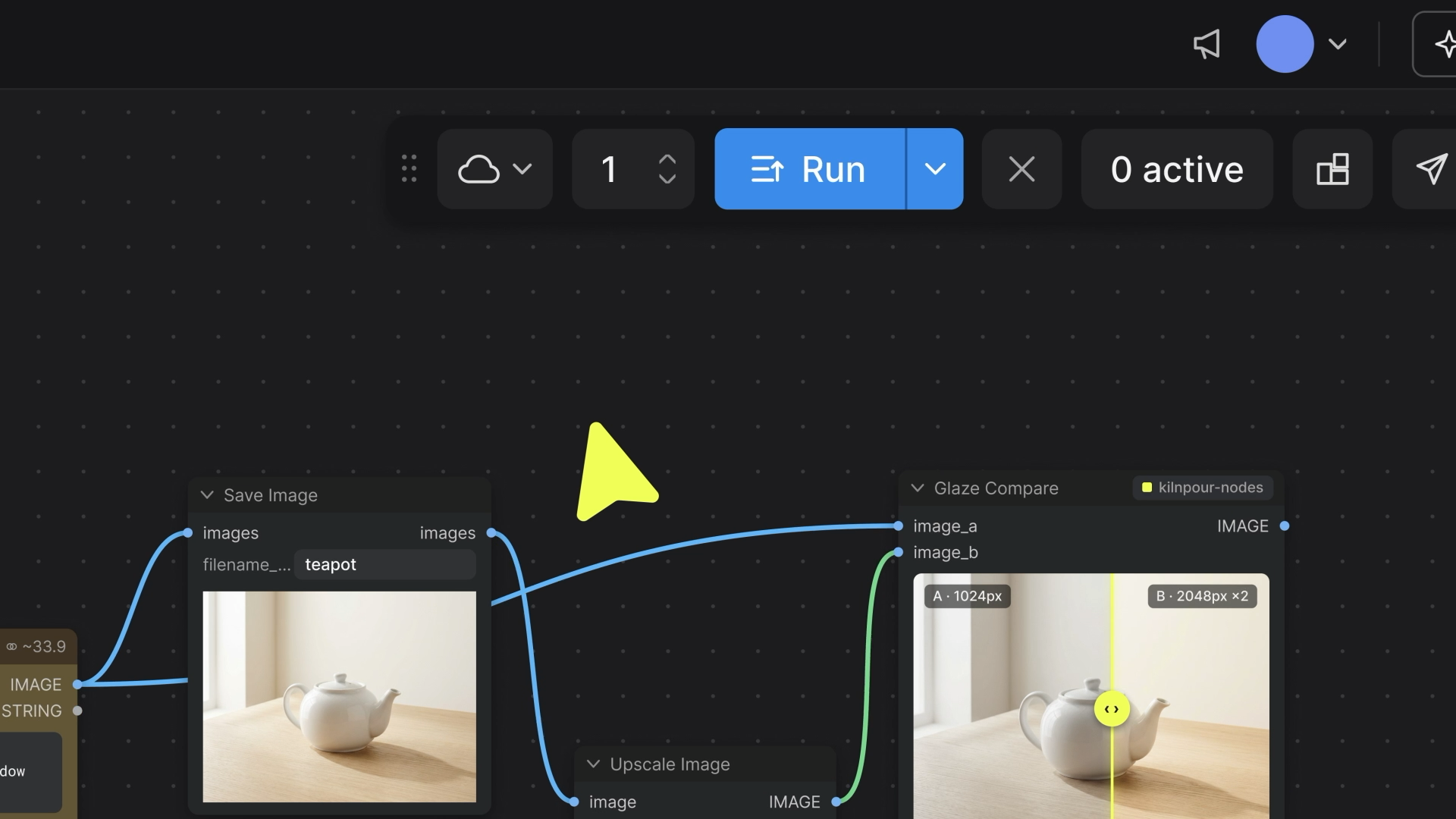
Create, edit, and run workflows in your browser with your team’s custom nodes and models. Comfy Cloud manages the GPU infrastructure, so you can focus on the work instead of maintaining a separate setup for every artist.
Your workflows rely on more than the default nodes. Package supported custom nodes, models, LoRAs, and Python dependencies into a custom Build—your team’s custom ComfyUI setup, ready to use in Cloud.

Open your custom Build in ComfyUI and work in the browser. Adjust prompts, parameters, and connections, then run and inspect the results in the same canvas.
The same Build also powers API execution when you need to connect a workflow to your tools or pipeline.

Make the environments you prepare available to your workspace. Artists open ComfyUI in their browser with the environment’s tools available, without installing them locally.
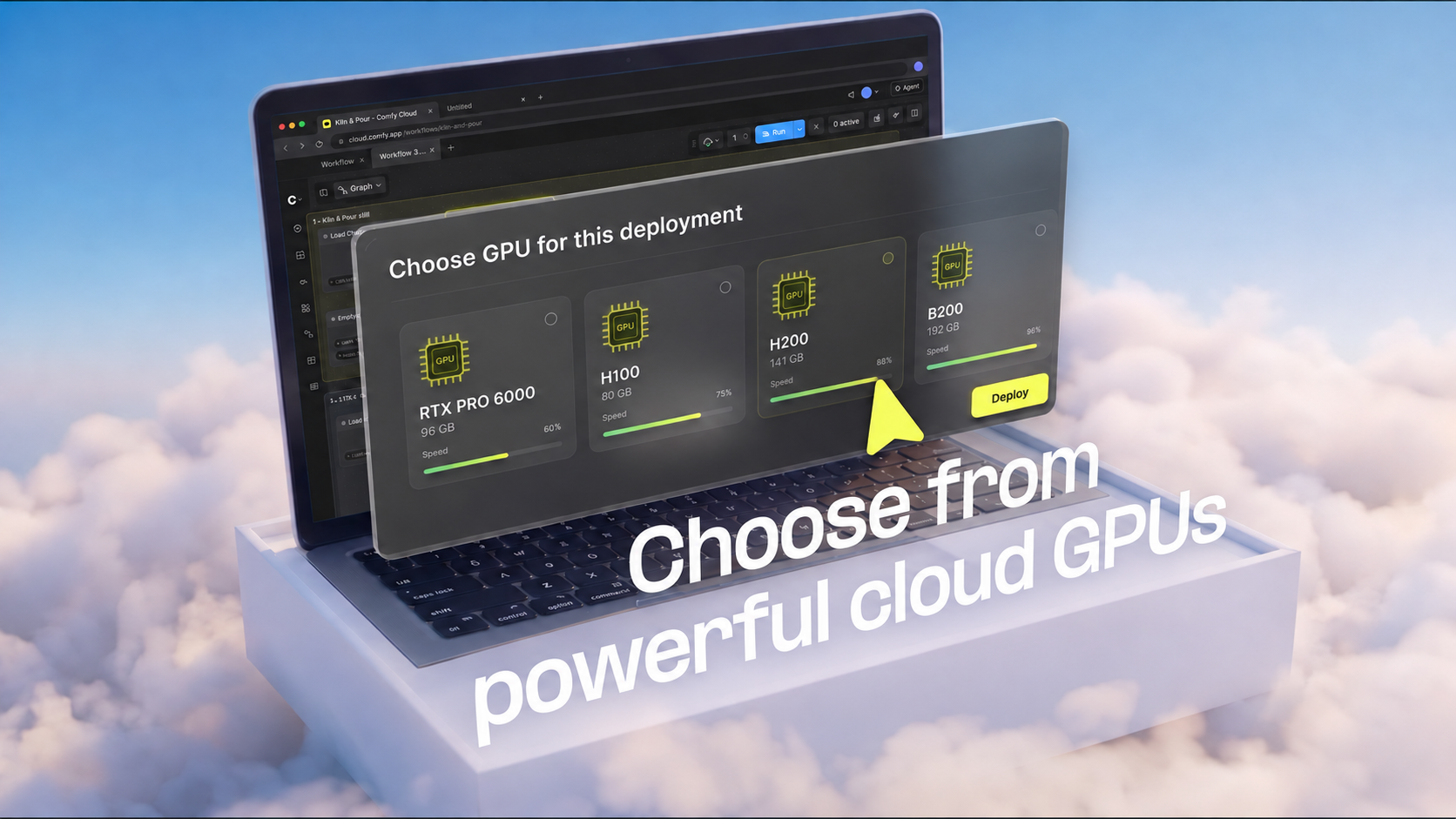
Choose the GPU for each deployment. Comfy Cloud handles the machines.

01
Prepare supported custom nodes, models, LoRAs, and Python dependencies in a Build using the Developer Platform or an agent. Build failures may require troubleshooting before the environment is ready.
02
Choose an available GPU for a deployment. Workspace members can select it in the Cloud editor.
03
Artists open a deployment of the Build in ComfyUI in their browser. Developers can run API jobs on the same Build through the Developer Platform API.
Building and editing workflows doesn't use GPU time. Run more jobs at once when you need to, and Comfy Cloud automatically scales back down when they finish.
Custom Builds are included in every paid Comfy Cloud plan, starting with Standard. GPU time is billed by the second while workers are running, and model storage is billed monthly.

Give artists your custom nodes and models in the browser. Let Comfy Cloud handle the GPU infrastructure.