




Professional Controlof Visual AI

3D ANGLE
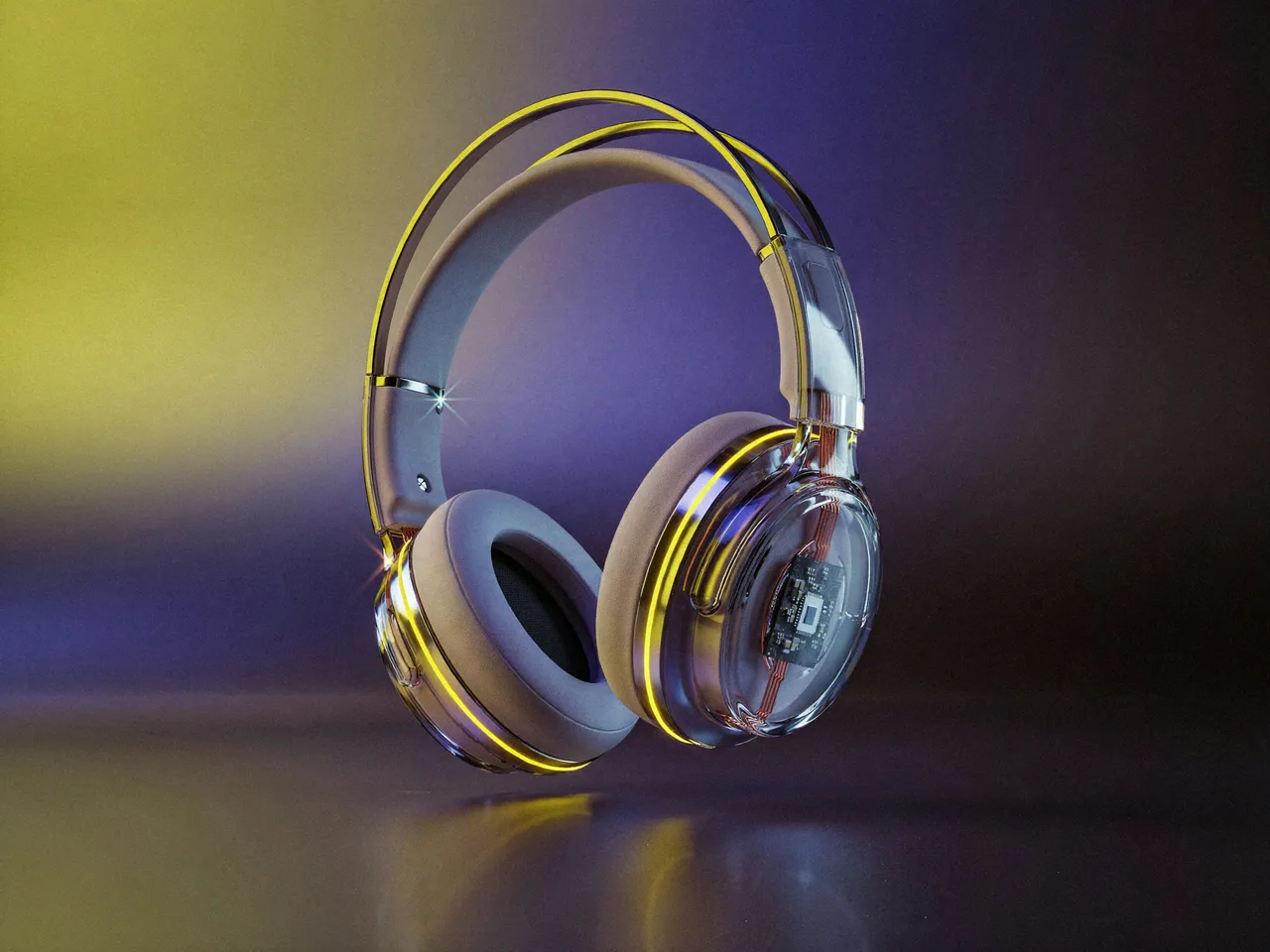
Input image: futuristic over-ear headphones with transparent ear cups and glowing yellow accents
COLOR
HUE
SATURATION
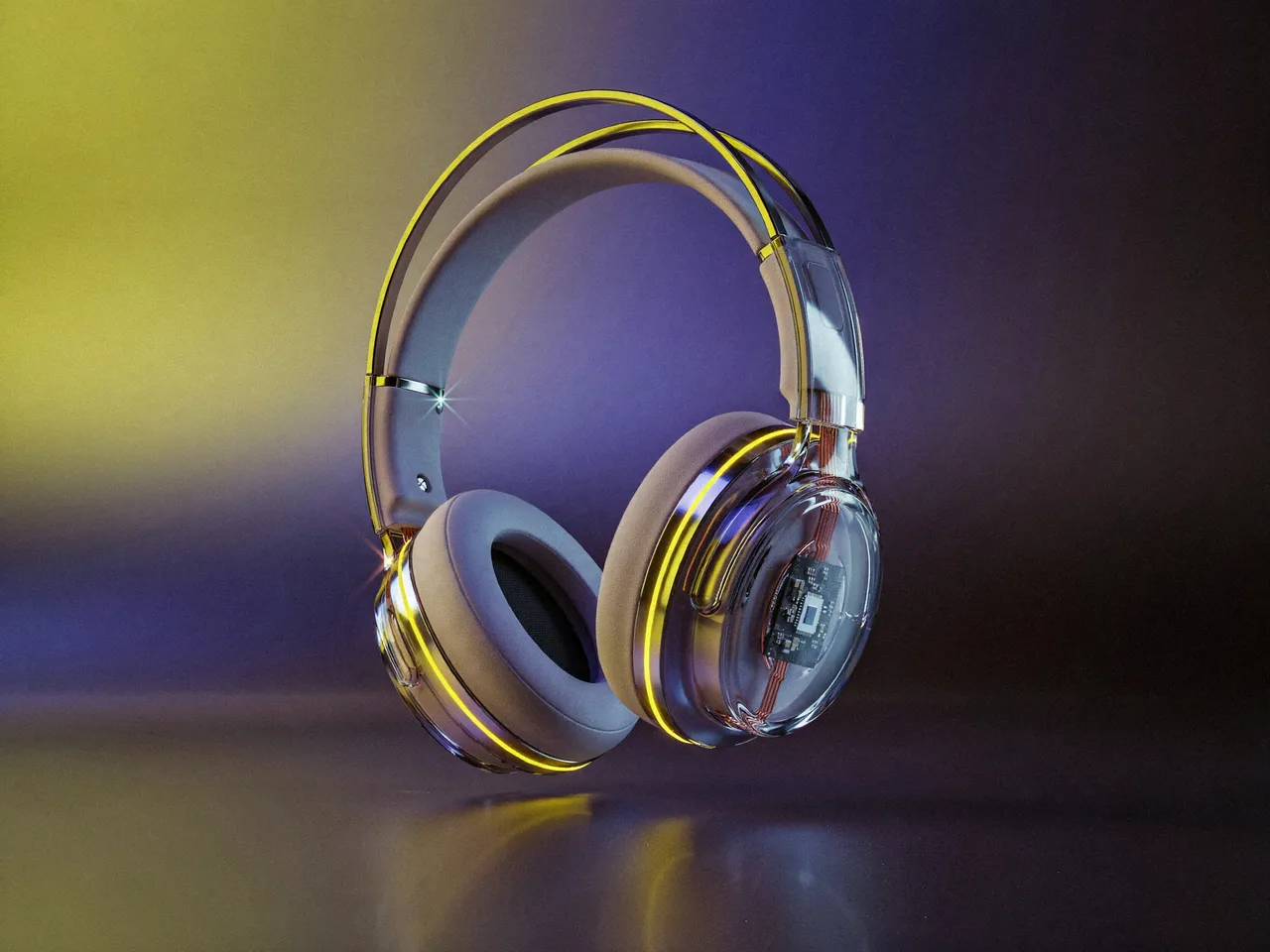
Generated image rendered from the selected camera angleOUTPUT
Get started for free
Nike
Amazon Studios
Harman
Apple
Autodesk
Lucid
Ubisoft
Netflix
Hp
Tencent
Pixomondo
ComfyCLOUD

Run your ComfyUI setup from anywhere.

Create, edit, and run workflows in your browser with your team’s custom nodes and models. Comfy Cloud manages the GPU infrastructure, so you can focus on the work instead of maintaining a separate setup for every artist.

00:00
00:00
ComfyAGENT

The first agent for craft

Describe what you want right inside ComfyUI. It plans, builds and runs workflows. Editing the canvas while you work, it crafts side by side with you.

ComfyROUTER

One API for frontier media models.

Integrate frontier image, video, 3D and audio models once. Then choose the provider for each job for better availability and prices.

from comfy_sdk import Comfy

client = Comfy(api_key="comfyui-...")

result = client.models.run(
    "openai/gpt-image-2",
    {"prompt": "aerial view of a neon coral reef at dusk"},
)

MiniMax Commercial License

Comfy is the only official reseller of MiniMax commercial-use licenses, for running MiniMax models locally on your own hardware. Full commercial rights to your outputs, fine-tuning and LoRA training, and client and downstream work included.

Only official resellerAudio and music includedAvailable globally
FEATURED · STAFF PICK

Product Advertisement Video

RobRobProductVideo
FEATURED · STAFF PICK

Qwen-Image 2.1: Text to Image

Open WeightsText to Image
FEATURED · STAFF PICK

MiniMax H3: Reference to Video

ComfyUIComfyUIVideoReference to Video
FEATURED · STAFF PICK

MiniMax H3: Text to Video

ComfyUIComfyUIText to VideoVideo
FEATURED · STAFF PICK

Topaz: Image Enhance Bloom 2

ComfyUIComfyUIAPIImage Upscale
FEATURED · STAFF PICK

FLUX 3 Video: Text to Video

ComfyUIComfyUIPartner NodesText to Video
HOWComfyWORKS

Connect models, processing steps, and outputs on a canvas where every decision is visible and every step is inspectable.

Start from a community template or build from scratch.

Industries

Powered by 60,000+ nodes, thousands of workflows, and a community that builds faster than any one company could.

EXPLORE WORKFLOWS

Get started in minutes

Go as deep as you want to.

1

Download or Sign up

Download Desktop or Try Cloud for free.

2

Load a workflow

Start from a community template or build your own.

3

Generate & Iterate

Run, adjust, scale when you're ready.

The AI creation engine for complete control

Over every model, every node, every step, every output.

Customer Stories

See ComfyUI in the real world

Videos & case studies from teams building with ComfyUI

Qwen-Image 2.1

New Model Release

Qwen-Image 2.1

Generate posters, infographics, portraits, and scenes with the words exactly where you wrote them, then edit any image with a sentence. Qwen-Image 2.1 brings generation and editing into one open-weight model that runs natively in ComfyUI.

Open Weights