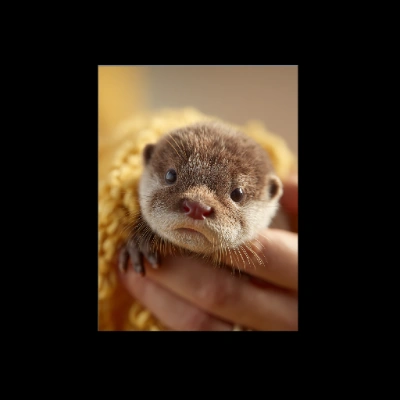
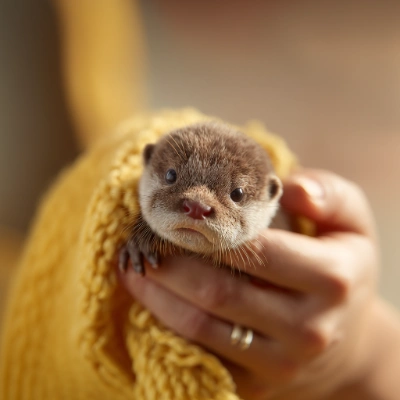
This ComfyUI workflow leverages Bria's advanced capabilities to perform image outpainting, a technique used to extend the boundaries of an image seamlessly. The workflow begins with the LoadImage node, which imports the original image into the system. Following this, the ImagePadForOutpaint node prepares the image by padding it, creating a larger canvas for the outpainting process. This padding is crucial as it defines the area where new content will be generated. The core of the workflow is the BriaImageEditNode, which uses the BRIA model to intelligently generate new image content that matches the style and context of the original image, ensuring a seamless transition between the existing and newly created areas.
The PreviewImage node allows users to view intermediate results, providing an opportunity to make adjustments before finalizing the outpainted image. Once satisfied with the results, the SaveImage node is used to export the finished image. This workflow is particularly useful for artists and designers looking to expand images for creative purposes or to fit specific dimensions without losing the original aesthetic. The integration of the BRIA model ensures high-quality results, making this workflow a powerful tool for professional image editing.