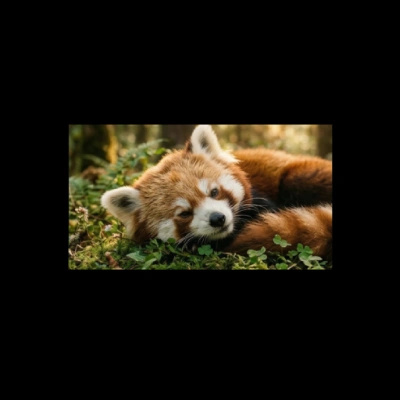
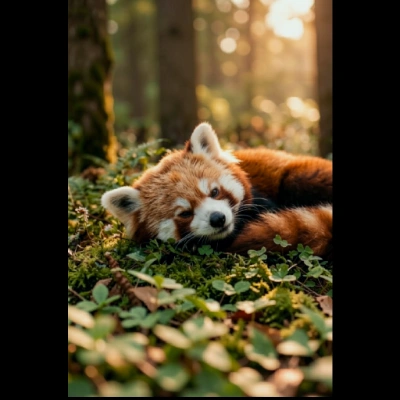
The 'Flux.2 Klein 9B: Image Extend' workflow is designed to expand and enhance images using the FLUX.2 Klein 9B model. This workflow excels at outpainting, a technique that extends the boundaries of an image while maintaining its original style and content. It leverages a combination of advanced nodes such as SamplerCustomAdvanced, CLIPLoader, and RandomNoise to generate seamless extensions of the input image. By using the ComfyUI-Color-Matcher and comfyui-kjnodes, the workflow ensures color consistency and style coherence, making it particularly useful for artists and designers looking to create expansive compositions from limited source material.
Technically, the workflow begins by loading an image and encoding it into a latent space using the VAEEncode node. The image is then padded using the ImagePadForOutpaint node to create space for the new content. The Flux2Scheduler and UNETLoader nodes work together to generate new image data that blends naturally with the existing content. The process is guided by the CFGGuider and KSamplerSelect nodes, which help refine the image generation based on the input prompts and conditions. Once the outpainting is complete, the VAEDecode node converts the latent representation back into a visible image format, ready for saving or further editing.