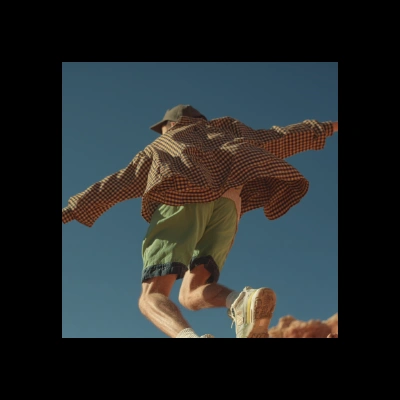
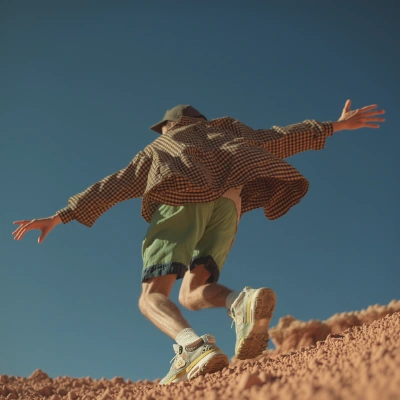
The Flux.1: Image Outpainting workflow is designed to seamlessly expand the canvas of an existing image by generating new content that blends naturally with the original. This workflow leverages the Flux.1 model, which is specifically trained for outpainting tasks, ensuring that the extended areas of the image maintain consistency in style and content. The process begins with the LoadImage node, where users can upload their desired image. The FluxProExpandNode then takes over, using advanced algorithms to predict and generate the surrounding areas of the image, effectively 'outpainting' the canvas. Finally, the SaveImage node allows users to save the newly expanded image to their device. This workflow is particularly useful for artists and designers looking to enhance or modify their images without losing the original aesthetic.