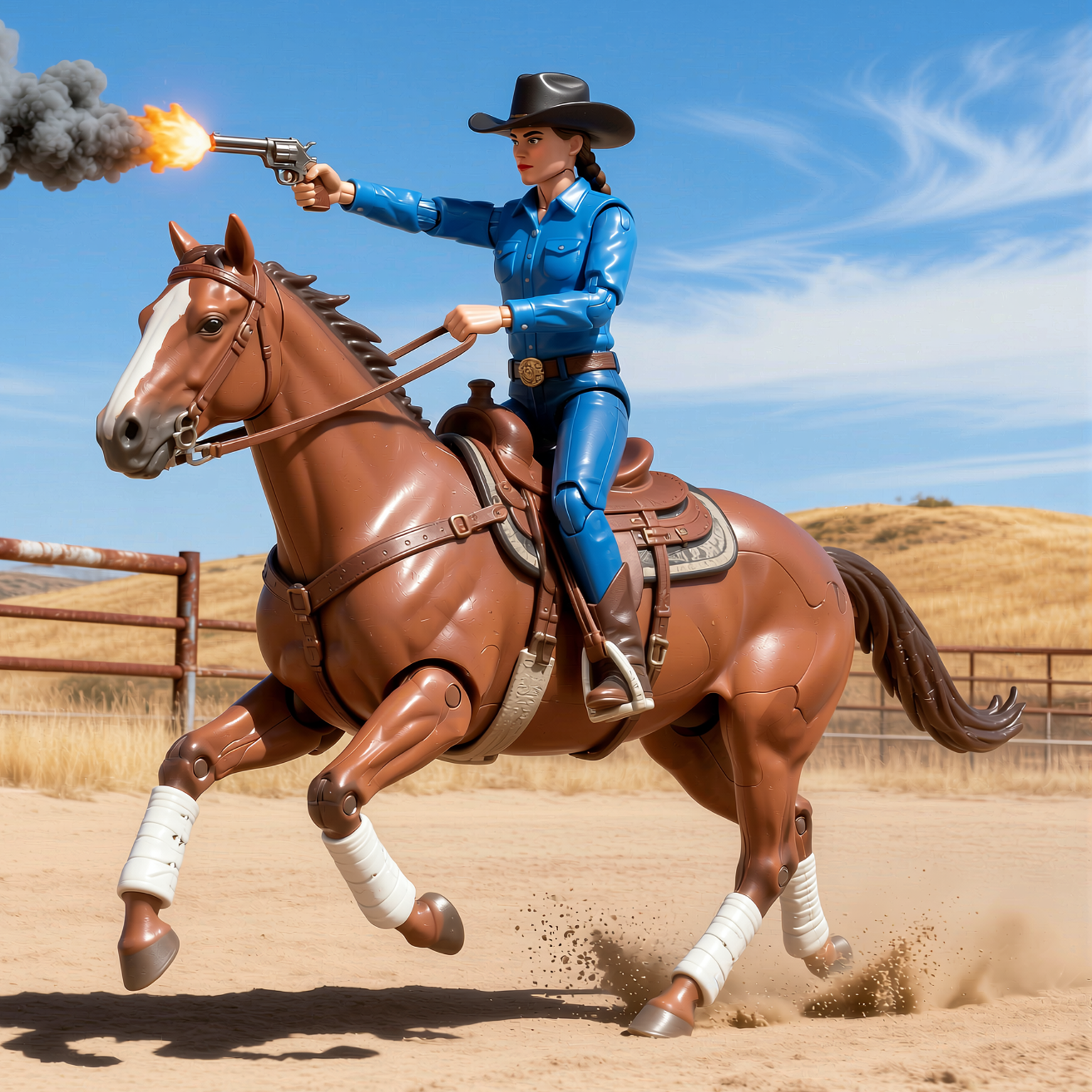
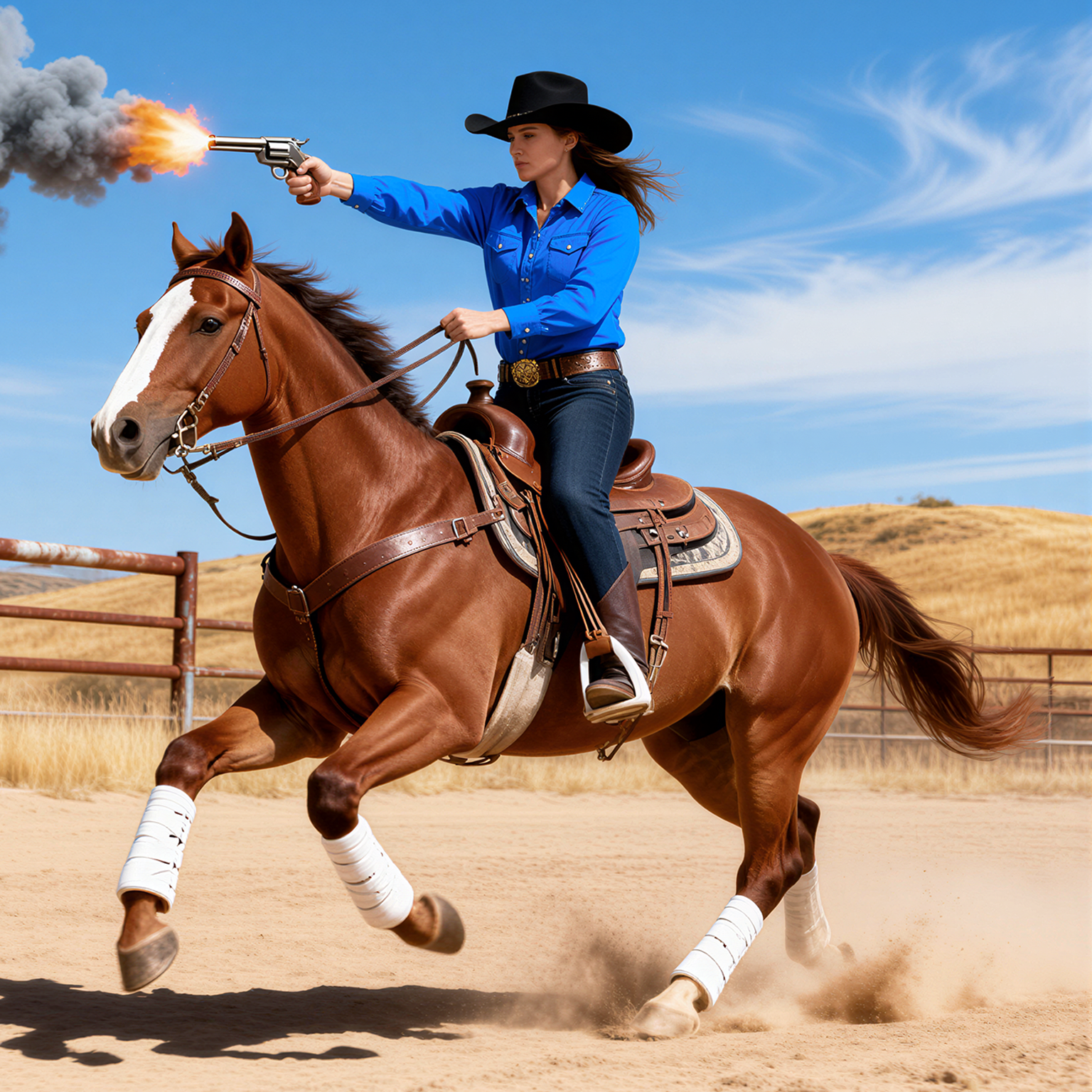
This ComfyUI tutorial workflow demonstrates instruction-based image editing with Qwen Image Edit 2511 and a targeted "ACTION" LoRA that turns subjects into toy-like versions. It loads the Qwen Image Edit 2511 diffusion model with UNETLoader and applies the ACTION LoRA via LoraLoaderModelOnly to bias the aesthetic toward playful, miniature, or collectible-toy looks. The QwenEditTextEncode_EditUtils node pairs a dedicated Qwen 2.5 VL text encoder with your input image and instruction (for example, "action the cat") to create edit-aware conditioning, while RandomNoise initializes the latent. SamplerCustomAdvanced runs the diffusion process using your chosen sampler from KSamplerSelect and the schedule from BasicScheduler, with CFGGuider controlling classifier-free guidance strength.
The input image is prepared for the model using ResizeImagesByLongerEdge and ImageCrop+ to standardize dimensions, with GetImageSize and PrimitiveInt passing size info to the sampler. After sampling, VAELoader and VAEDecode convert latents back to an RGB image, and SaveImage writes the result. Because this is an instruction-following edit model, you don’t need an init-latent path—your original photo is consumed by the Qwen encoder as a visual reference while the LoRA steers the result toward a consistent toy style. The included Note node documents the prompt pattern ("action the [subject]") so you can quickly produce consistent outputs.