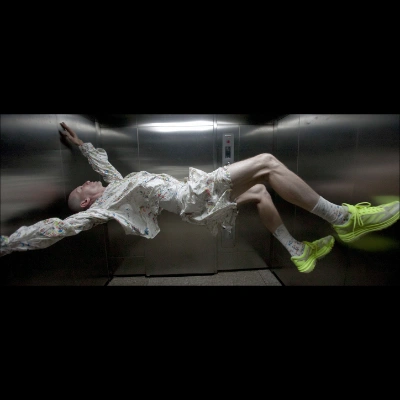
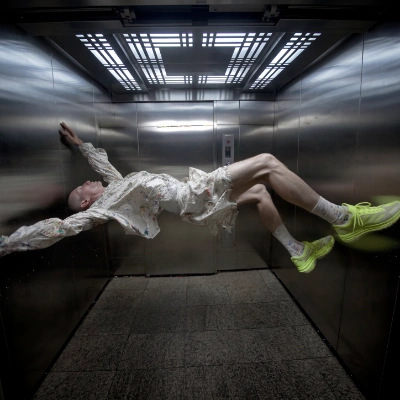
This ComfyUI workflow is designed to transform any image into a new aspect ratio by utilizing advanced outpainting techniques. At its core, the workflow leverages the Nano Banana 2 model, known for its robust image completion capabilities. The process begins by uploading an image and specifying the desired aspect ratio, such as 16:9, 9:16, 1:1, or 4:5. The workflow then adapts the original image to fit the new dimensions, filling in the additional space with content that seamlessly extends the image's natural environment. This is achieved through a series of nodes, including LoadImage for importing the image, ImageCompositeMasked for handling the outpainting, and PreviewImage for visualizing the results.
What makes this workflow particularly useful is its ability to maintain the visual integrity of the original image while expanding its dimensions. This is ideal for content creators who need to adapt images for various platforms with different aspect ratio requirements. The integration of custom nodes like comfyui_essentials, controlaltai-nodes, and masquerade-nodes-comfyui further enhances the workflow's flexibility and precision, ensuring high-quality outputs that are both aesthetically pleasing and contextually relevant.