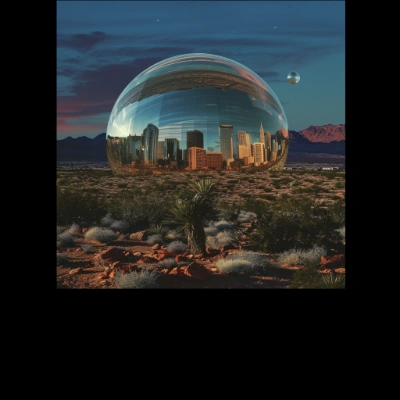

The Flux.1 Outpaint workflow in ComfyUI is designed to extend images beyond their original boundaries, a process known as outpainting. This technique is particularly useful for enhancing images by adding context or creating a larger scene from an existing image. The workflow utilizes several key nodes and models, including the Flux.1 model for outpainting, which is guided by the FluxGuidance node. The process begins with loading the necessary models and the image to be outpainted, followed by padding the image using the ImagePadForOutpaint node to prepare it for expansion. The KSampler node is then used to iteratively generate new image sections, while the VAEDecode and UNETLoader nodes work together to ensure the generated content blends seamlessly with the original image.
This workflow is particularly useful because it leverages advanced AI models to maintain the aesthetic and thematic consistency of the original image while expanding its boundaries. The use of the CLIPTextEncode node allows for the incorporation of textual prompts, guiding the outpainting process to align with specific themes or styles. This makes the workflow versatile for various applications, from artistic image creation to practical uses in design and media production.